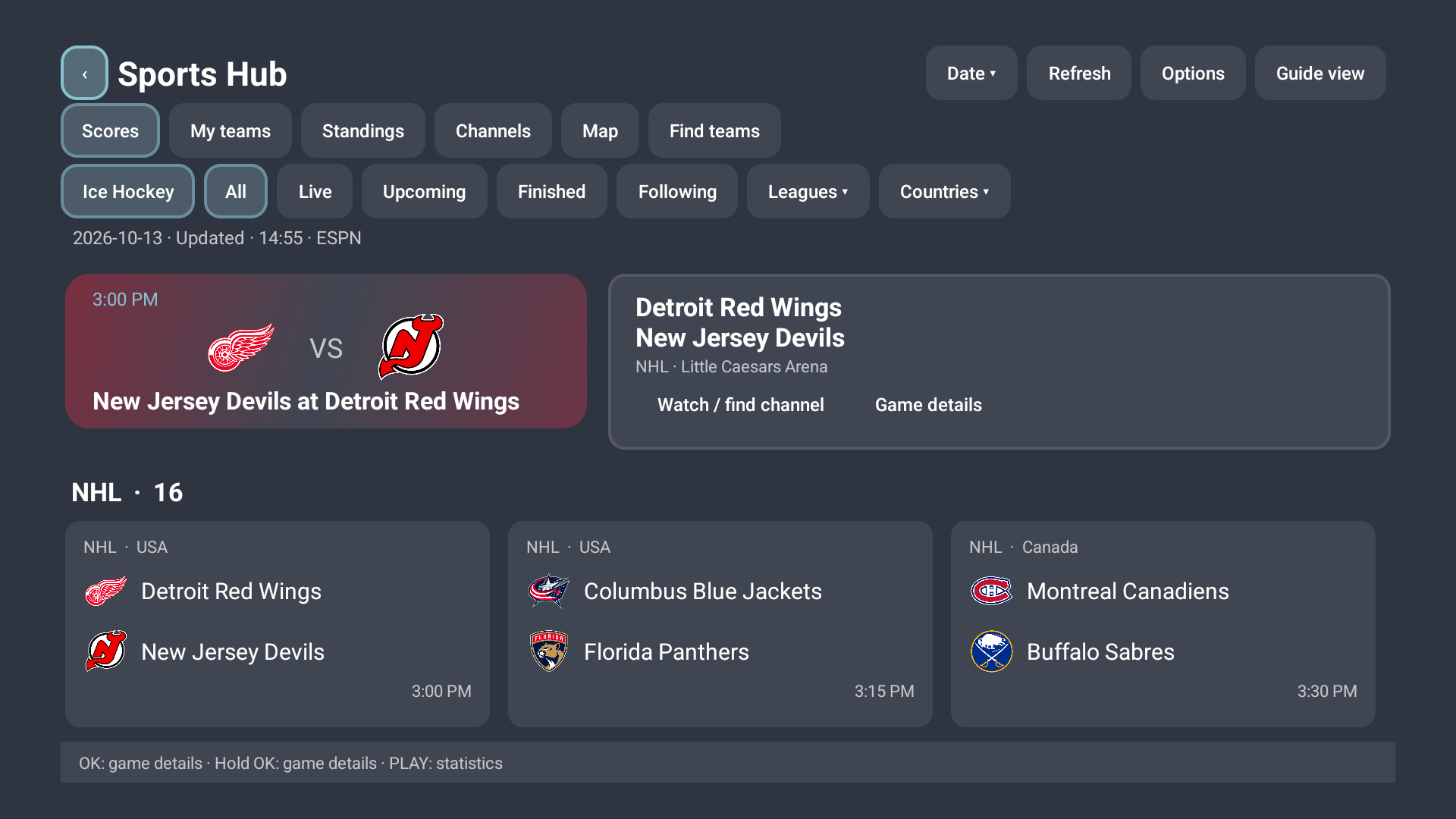
Sports HubIn the app
Follow the game, find the channel.
Browse fixtures, follow teams and leagues, check standings, and find matching channels in your imported playlists. Choose Classic or Sports Hub from the panel.
The krank.haus TiviMate panel
Bring your providers, customers, and branded TV experience together. One panel for onboarding, app configuration, sports, VOD, and releases.
Self-hosted or managed. You choose the setup.
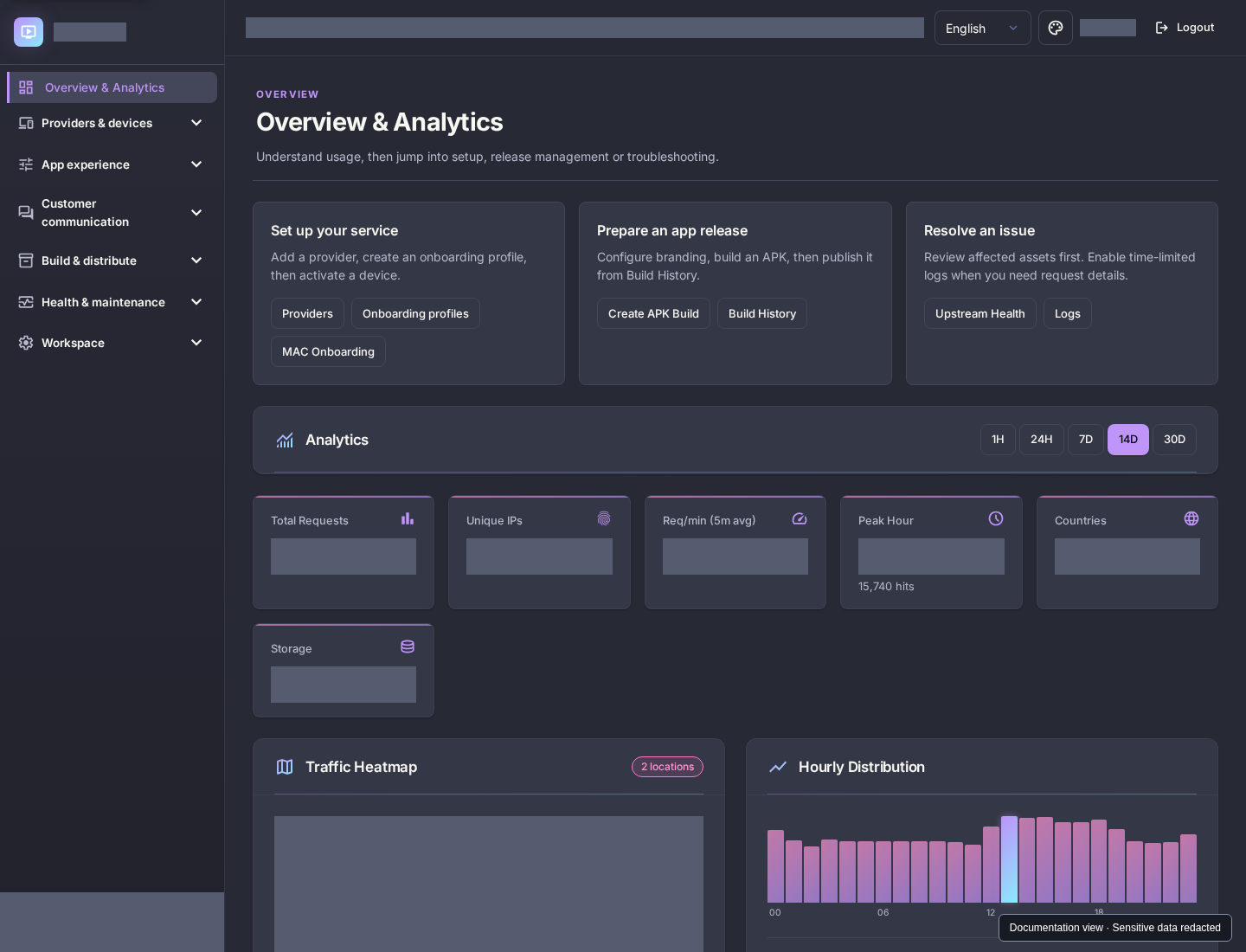
Configure in the panel. Experience it on TV.
01 / Behind the experience
From the first device to your next app release, the tools you use every day belong together.
Move from provider setup to app releases and troubleshooting with a workspace organized around the way you run your service.
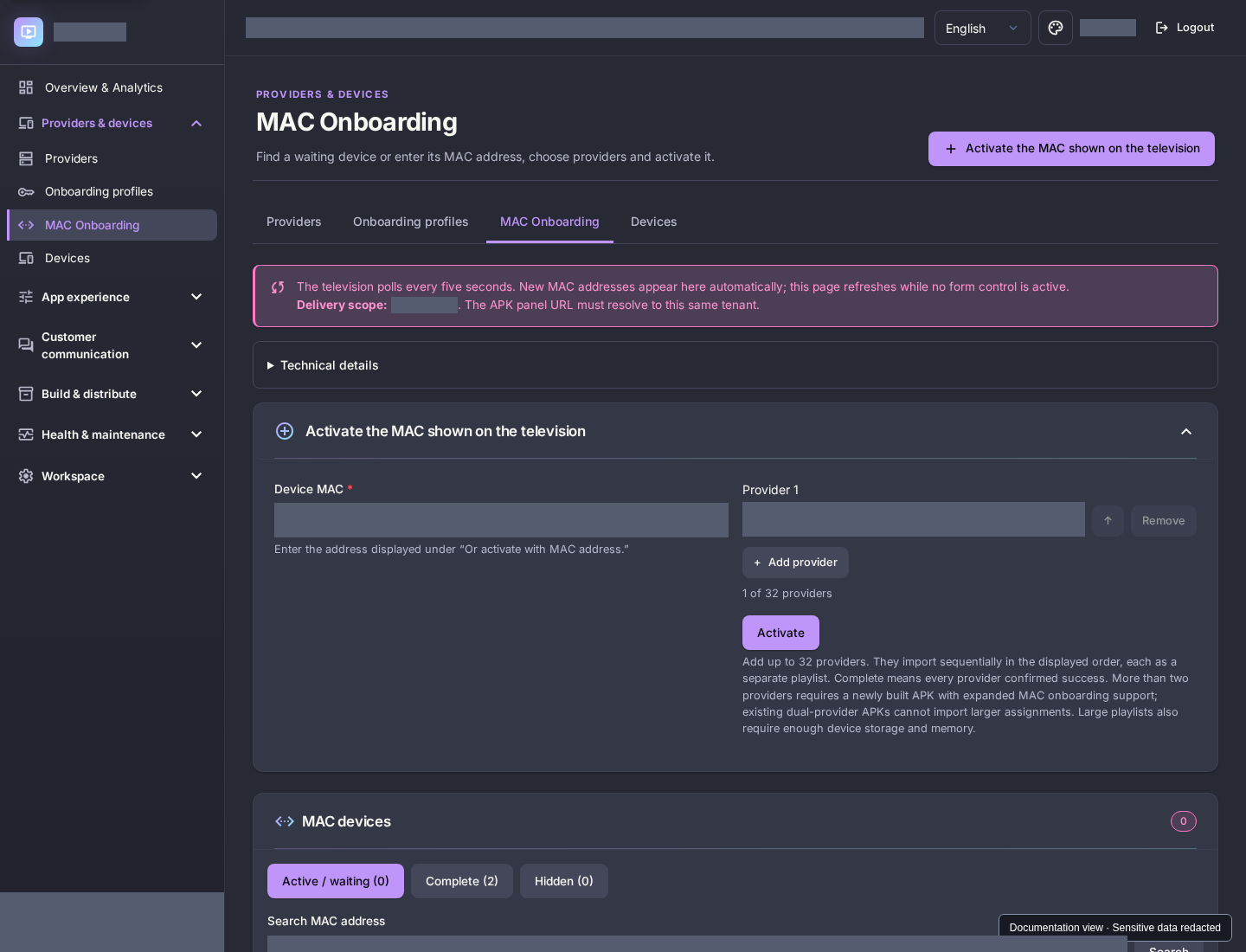
Create reusable onboarding profiles, assign providers to devices by MAC, and offer QR pairing so customers can sign in from their phone.
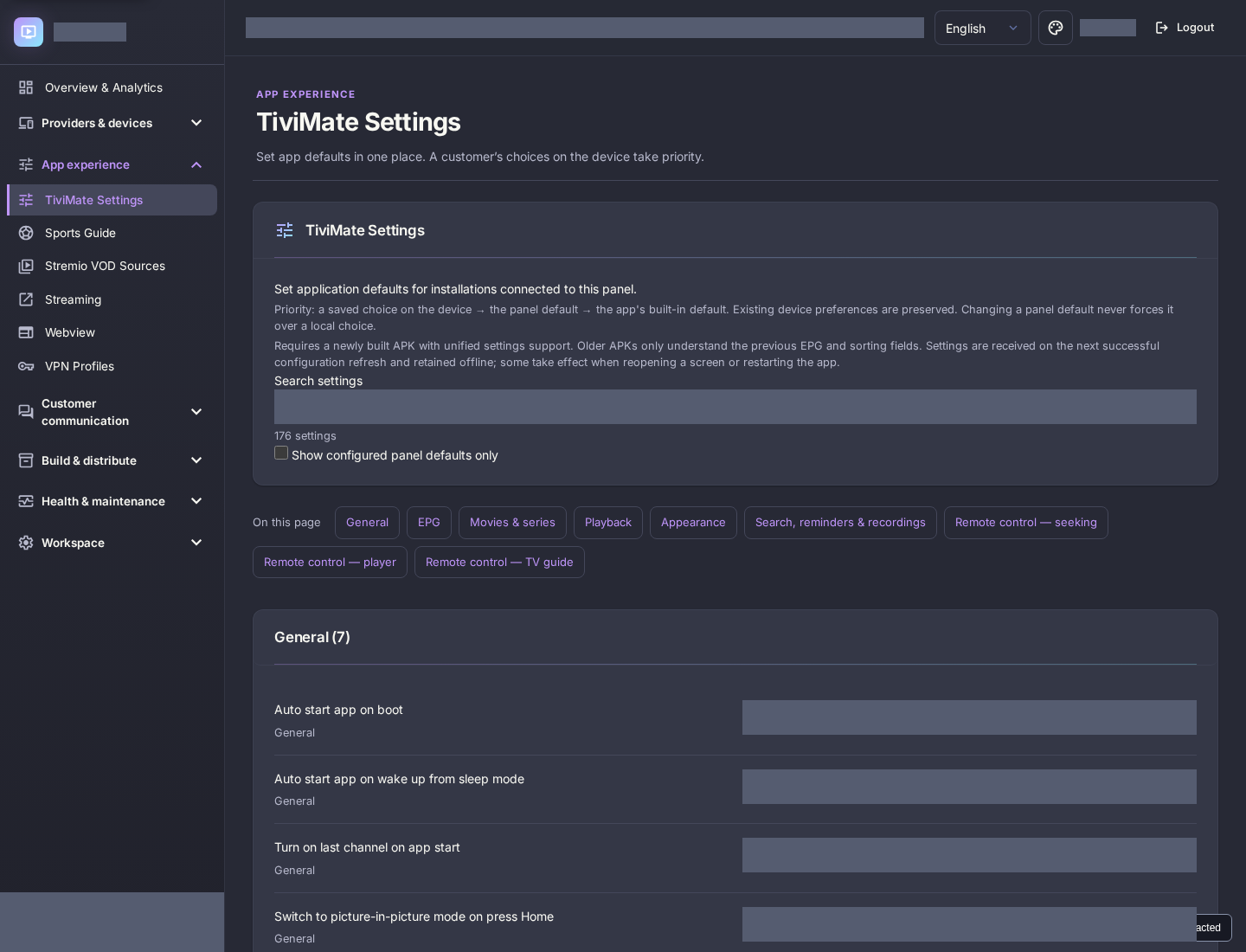
Manage TiviMate defaults, EPG behavior, and Movies & Series settings centrally. Customers can keep their own supported device preferences.
Choose your app name, theme, icons, and artwork, then follow the APK build through to download and release management.
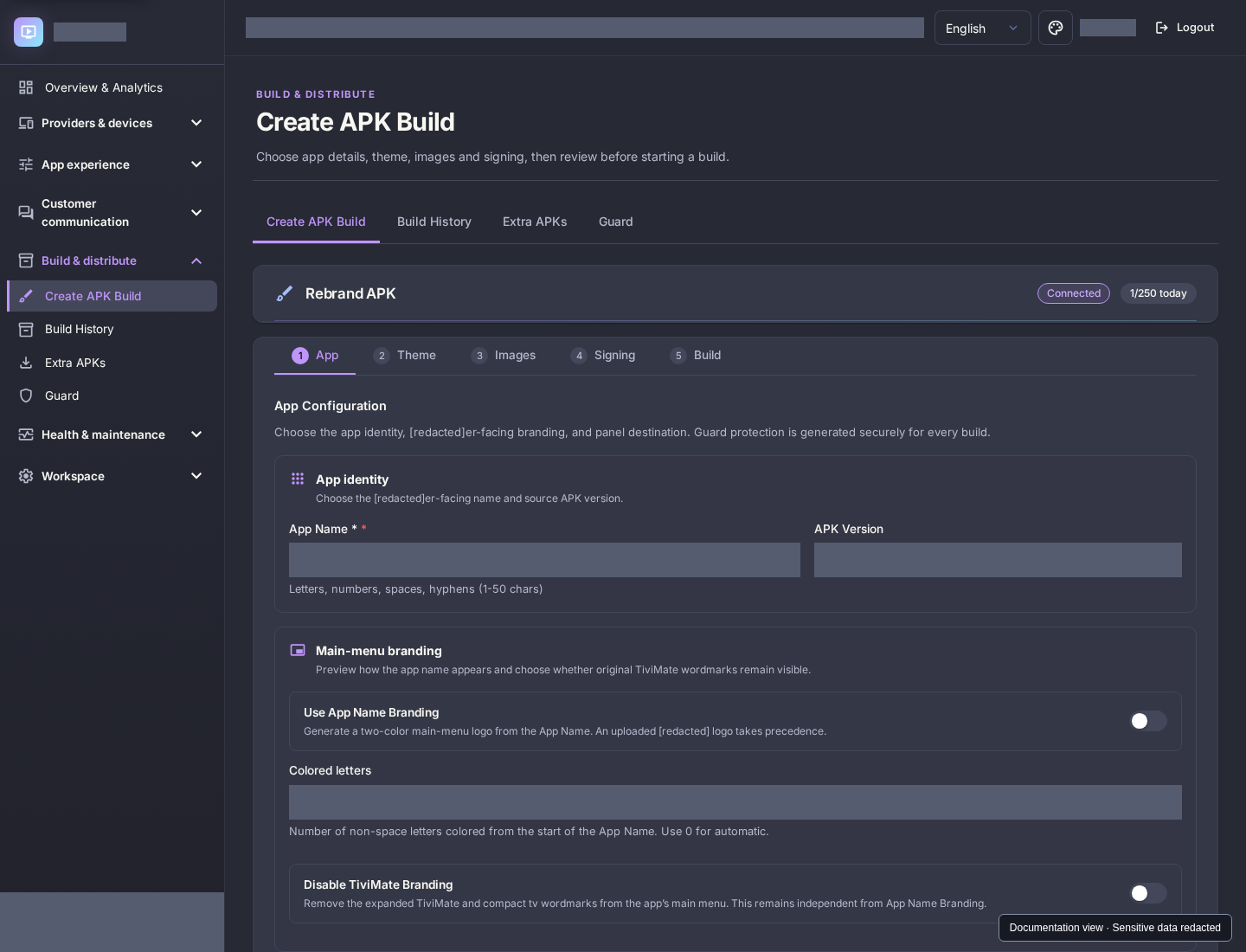
Actual panel screenshots. Sensitive information is redacted. APK building requires a connected Rebrand API and build entitlement.
02 / On the big screen
See the app itself, with screenshots captured on Android TV. Configure the experience centrally, then put it in your customers’ hands.
Browse fixtures, follow teams and leagues, check standings, and find matching channels in your imported playlists. Choose Classic or Sports Hub from the panel.
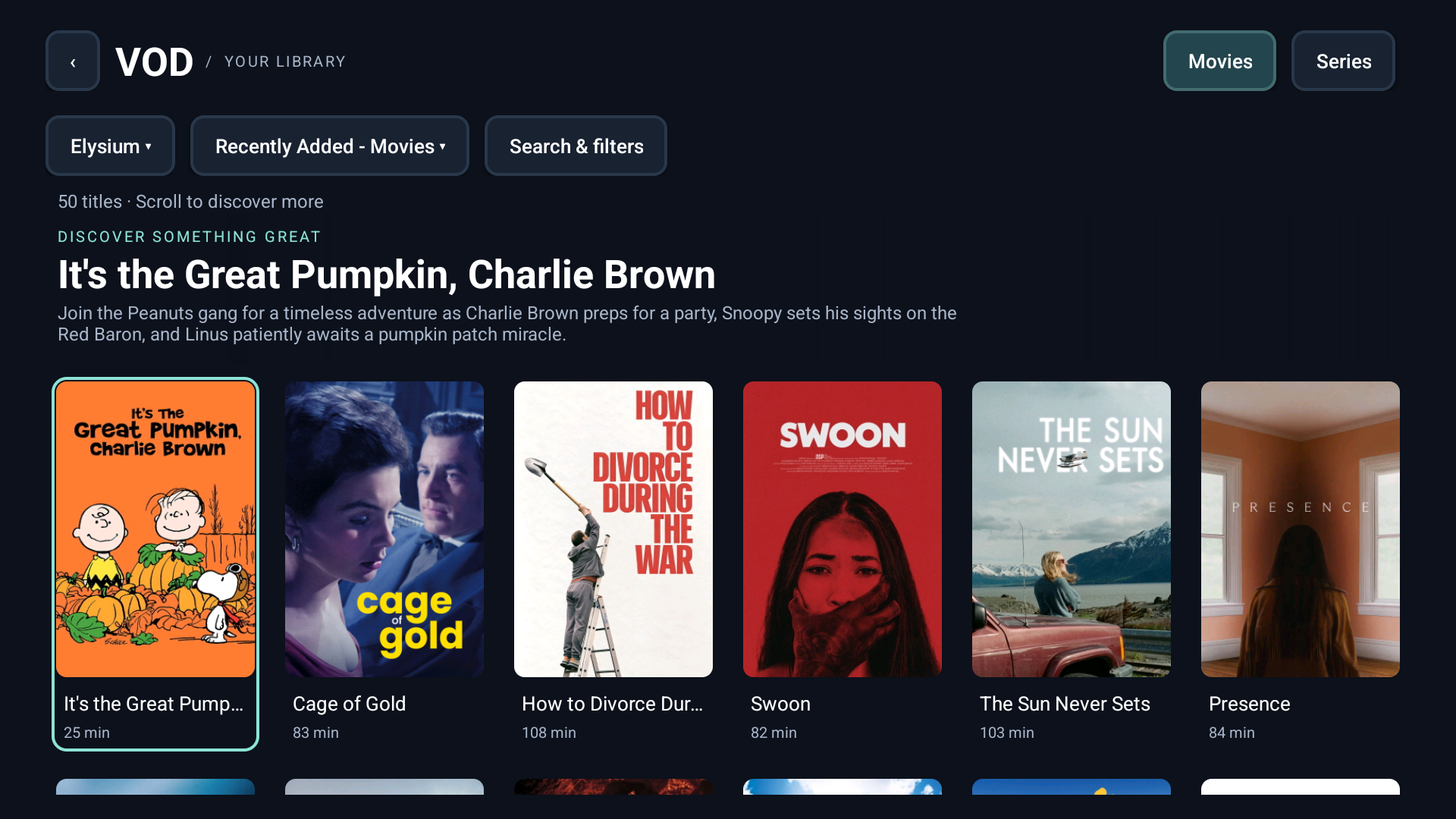
Connect compatible catalogue and stream add-ons, browse movies and series, and set audio and subtitle defaults. Customize stream results with formatters and Fusion Badges.
Manage OpenVPN configurations and expose VPN controls in the app.
Set welcome messages, send announcements, and provide support or renewal QR links.
Add a Webview for websites, slideshows, or supported widgets, and shortcuts to installed apps.
Manage APK history, publish app updates, and share a public download page.
Features depend on a compatible APK and your configured integrations. TV subscriptions, streams, and content are supplied by your own providers.
03 / Make it yours
Choose how much infrastructure you want to manage. All prices are in USD.
Your hosting. Your environment. Complete control.
Complete software package + single-server license.
Buy with PayPalHosting is purchased separately. You handle uptime, backups, configuration, and hosting-related troubleshooting. A standard cPanel provider such as Namecheap is a common choice.
You run your service. I handle the hosting.
Software + license + your first 5 years of hosting.
Buy with PayPalAfter year 5: $15 USD per year for hosting.
Pay through Paymenter using PayPal. Managed hosting starts with a five-year term. I maintain the hosting platform and keep the environment online and available, so you can focus on running your service.
Before you get started
Clear pricing, clear responsibilities.
Read the documentationChoose your deployment option to continue through Paymenter checkout. After signing in or creating an account, review your order and pay the invoice using PayPal. Your order, payment, and invoice are recorded in your Paymenter account.
Both options include the panel software and a license. Self-Hosted gives you the complete software package and a single-server license for your own compatible hosting. Managed Hosting includes the hosting environment, which I maintain for you. The choice is how much infrastructure you want to manage.
No. The software and license cost $125 USD. With Self-Hosted, you pay your hosting provider separately. With Managed Hosting, the initial $200 USD package includes that $125 software and license cost plus your first five years of hosting.
Managed hosting costs $15 USD per year with an initial five-year hosting term. That is $75 for the first five years, plus $125 for the software and license, for an initial total of $200 USD. After those five years, hosting remains $15 USD per year.
Yes. With Self-Hosted, you can use any compatible hosting provider. A standard cPanel provider such as Namecheap is a common choice. You are responsible for uptime, backups, configuration, and hosting-related troubleshooting.
I provide the software, licensing, and hosting environment, maintain the hosting platform, and keep the environment online and available. You do not need to buy separate hosting, configure a server, maintain the environment, or troubleshoot hosting-related problems.
The panel manages your app and its configuration. You connect your own providers and compatible VOD sources. Sports Guide channel matching searches channels already imported on the device; it does not supply a stream or subscription.
App features require a compatible APK and the relevant provider or integration to be configured. APK building requires a connected Rebrand API and the appropriate build entitlement. Sports coverage and VOD results depend on the sources you configure.
Your next step
Get the panel, shape your app, and choose the hosting setup that works for you.
Choose your deployment